Shopify Product Pages for Products That Need Explaining
How to design Shopify product pages for technical, specialty or high-consideration products, where shoppers need to understand before they buy.
Most Shopify advice assumes simple products: pick a size, add to cart, done. But plenty of stores sell things shoppers need to understand first. Coatings and chemicals, parts that must fit, kits with several steps, tools, supplements, equipment.
For these stores, the product page isn’t just a price and a button. It’s where a nervous buyer decides whether they understand enough to commit. Here’s how to design for that.
Start from the questions, not the template
Every technical product generates the same handful of pre-purchase questions. Before you touch the design, list them. For a coating product, they might be:
- Will this work on my surface or material?
- What finish will I get, and what does it look like in real life?
- How much do I need for my project?
- What else do I need with it?
- How hard is it to apply? What if I mess up?
- How long does it last?
Your support inbox, reviews and product Q&A already contain this list. Every question a product page doesn’t answer becomes an abandoned cart, a support email or a return.
The anatomy of a page that teaches and sells
1. The answer above the fold
Near the title and price, answer the single most important question in one line. “For bare metal, painted and patina surfaces” or “Fits 1964–1972 models.” It doesn’t replace detail lower down, but it stops the wrong shopper early and reassures the right one.
2. Honest visuals of the result
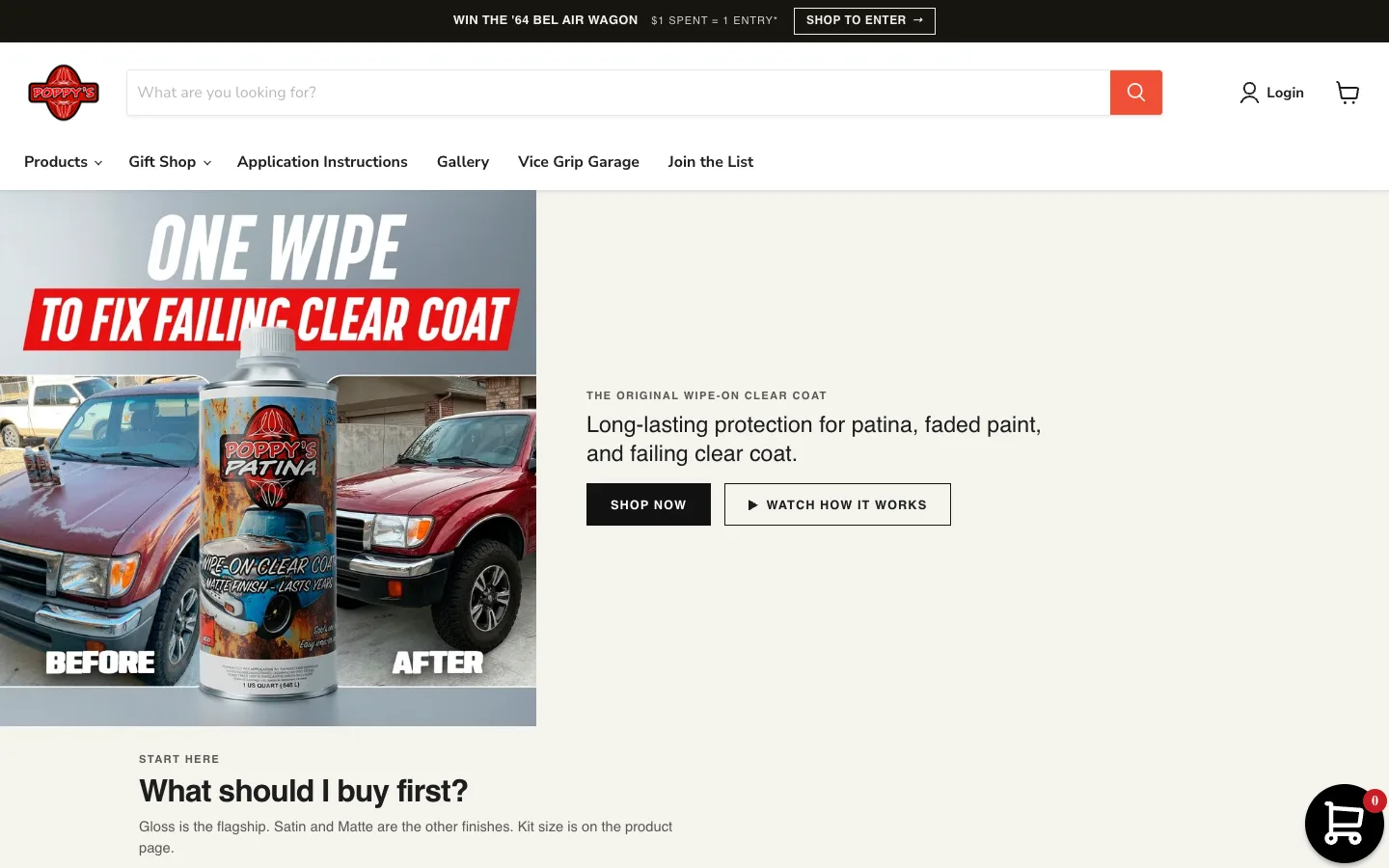
Studio shots of a can or box tell people nothing. Show the outcome: the finish in daylight, before-and-after pairs, close-ups of texture, customer photos. For variants like gloss, satin and matte, show them side by side on the same surface.
3. “How much do I need?” made easy
Quantity confusion kills conversions on technical products. Offer a simple coverage guide (“one quart covers roughly…”) or a kit recommendation by project size. Be accurate and conservative.
4. What you’ll need
Link the related products a first-timer needs: prep products, applicators, safety gear. This is where bundles and kits make sense for both the shopper and your average order value.
5. Application in plain steps
A short numbered summary on the page, with a link to full instructions or a video. Shoppers mostly want to know whether they can do it, not every detail yet.
6. Real questions, real answers
An FAQ block built from actual customer questions, in their words. These blocks also give search engines and AI assistants clear, quotable answers.
7. Proof from people like them
Reviews that mention the project type (“did my truck bed,” “on a ’67 hood”) are more persuasive than five-star ratings alone. If your review app supports it, highlight reviews by use case.
Help undecided shoppers before they reach a product page
Some of the best-performing “product page” improvements happen before the product page:
- A “start here” guide for first-time buyers that recommends a default product or kit.
- A project chooser (“What are you working on?”) that routes people to the right collection.
- Collections organized by job, not just by product type, so a shopper can browse “frame & chassis” rather than guessing which of six coatings applies.
These turn a deep catalog from overwhelming into navigable.
Technical details that matter
- Product structured data (price, availability, reviews) helps search engines understand the page. Most Shopify themes include it, so check that it’s accurate.
- Unique descriptions. Avoid copying manufacturer text across variants and sister products.
- Fast media. Compress images, and don’t let a heavy video player block the page on mobile.
- Clean handles and titles. Leftover “copy-of” URLs and duplicate titles make a catalog harder for search engines to understand.
Measure where people hesitate
Your analytics can show you which products get views but few add-to-carts, and which get add-to-carts but stall at checkout. The first usually means a product page that doesn’t answer questions. The second can point to shipping costs, delivery times or trust.
Fix the biggest gap first, measure again, and keep going. For a technical store, education is the conversion strategy.