The HVAC Website Checklist: What Homeowners Need to See Before They Call
A practical checklist for HVAC company websites covering service pages, trust, mobile calls, local search and the details that turn a search into a service call.
When someone’s AC dies in July, they don’t browse. They search, open a few results, and call the first company that looks trustworthy and available. Your website has a few seconds to win that call.
Use this checklist to see whether yours does. It’s organized by what the homeowner is thinking.
“Can you help me, right now?”
- Your phone number is tappable in the header on every page, on mobile.
- A sticky call or text button stays on screen as people scroll on a phone.
- Emergency or same-day availability is stated clearly, if you offer it, with honest hours.
- The first screen says what you do and where: “AC repair & installation in Port Charlotte, Punta Gorda & North Port,” not just a slogan.
“Do you do what I need?”
- Each core service has its own page: AC repair, AC installation or replacement, maintenance plans, heat pumps, ductless mini-splits, indoor air quality.
- Service pages describe real problems in homeowners’ words: “blowing warm air,” “leaking water,” “won’t turn on,” “musty smell.”
- Brands you service are listed, since people search for them.
- Residential vs. commercial is clear.
“Are you local and legit?”
- License number and insurance are easy to find.
- Your actual service area is listed by city or area. Only list places you really serve.
- Real photos of your team, trucks and installs. Stock photos of smiling technicians fool no one.
- Reviews appear on the site, ideally recent and specific.
- Your business name, address or service area and phone match your Google Business Profile exactly.
“What’s this going to cost me?”
You don’t need a price list, but silence on cost makes people nervous.
- Explain what affects price: diagnostic fees, common repair ranges, what drives replacement cost (system size, efficiency, ductwork).
- Financing options, if you offer them, with a plain explanation.
- A repair-or-replace guide. It’s one of the most-asked questions in the trade, and an honest answer builds trust.
“Is it easy to reach you?”
- The contact form is short: name, phone, address or ZIP, what’s going on.
- A confirmation message tells people what happens next.
- Form submissions arrive. Test it monthly from your own phone.
- Text messaging is available, if you can support it. Many people prefer it.
“Will search engines and AI assistants recommend you?”
- Pages load fast on a phone, including on a weak signal.
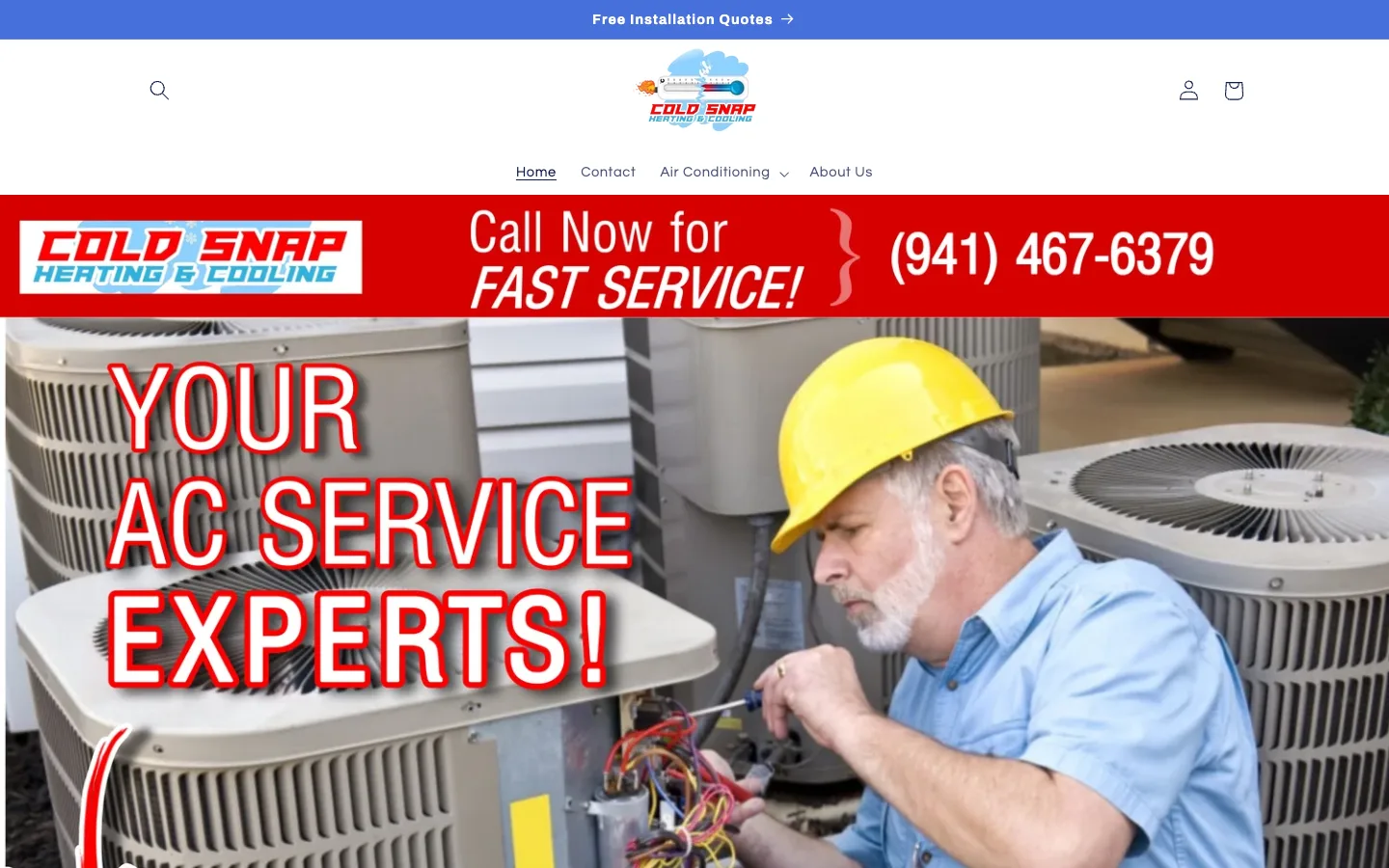
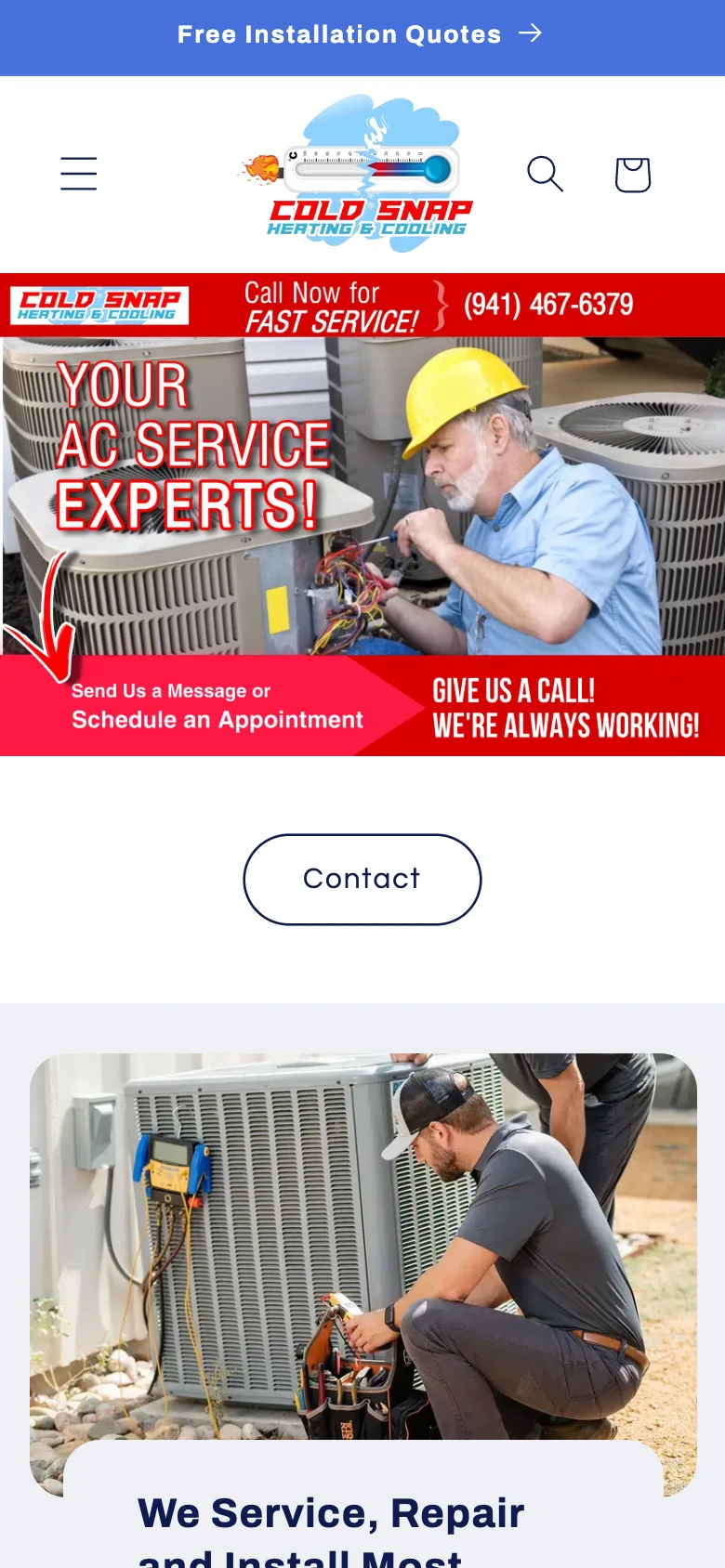
- Important text is real text, not baked into banner images. Search engines and AI systems can’t read a phone number inside a picture.
- Every page has a unique title and description that names the service and area.
- Helpful content answers seasonal questions: hurricane prep, what to do after a power outage, thermostat settings for Florida summers.
- Google Search Console is set up, so you can see what you’re showing up for.
How to use this list
Go through it on your phone, not your desktop. That’s how your customers see you. Every unchecked box is a reason someone might call the next company instead.
Most HVAC sites miss several of these, and that’s an opportunity. The companies that fix them tend to be the ones customers find first, trust fastest and call.